Farming Incremental But With Guns Upgrade Checklist Tool
Tick every power spike so your farm never stalls.
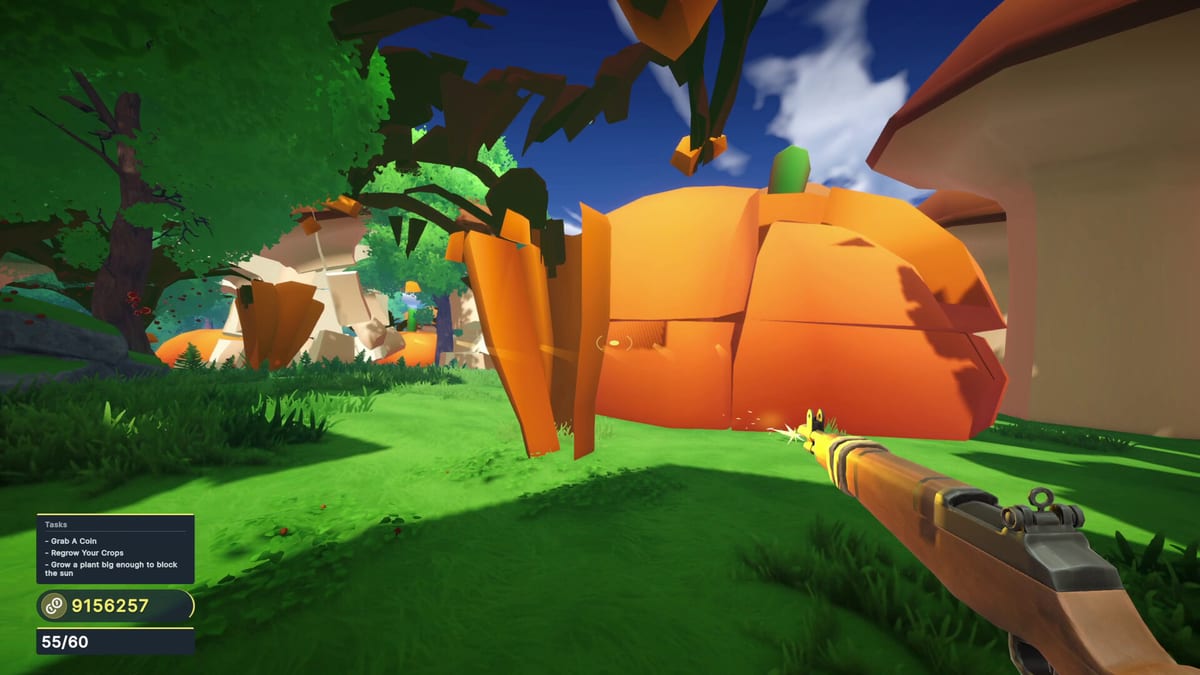
Use this upgrade checklist while playing Farming Incremental But With Guns. It mirrors the buckets in the Upgrade Priority Tier List so you can track buys without memorizing a spreadsheet.
How to use
Copy the lists into a note app, or mentally tick as you go. Revisit after every station stop described in Upgrade Stations.
Early game ticks
- Damage I
- Growth I
- Damage II
- Economy / coin helper I
- Enchant foothold
- Growth II
- Expansion I
- Fire rate or handling QoL
Matches the Early Game Build.
Mid game ticks
- Enchant stack II
- Damage catch-up for winter
- Winter travel unlock
- Pickup quality-of-life
- Medium-crop clear time feels snappy
- Re-check silhouettes via Crops and Items
Late game ticks
- Desert readiness damage spike
- Enchant eclipse depth
- Payout multipliers for 10M coins
- High-value hunting comfortable
- Act progression moving (Achievements)
- Performance acceptable (System Requirements)
Align with Late Game Build.
Biome prep mini-list
Meadows
- Understand controls (Controls)
- First giants intentional (How to Grow Giant Crops)
- Station rhythm habitual
Winter
- Brightness adjusted
- Extra damage purchased
- Lanes kept clear
Desert
- Walkthrough checklist green (Biome Walkthrough)
- Map skimmed (Biomes Map)
- Retreat plan if coin rate collapses
Session end reflection
Write one sentence: “Next purchase is ___ because ___.” If you cannot, reopen How to Play principles.
After patches
Untick anything that changed cost or effect per Launch Notes. Do not assume old ranks forever.
This checklist exists to protect your future self from impulse C-tier buys.
Pairing the checklist with real combat
A checklist without combat proof is fiction. After three ticks, force a clear that uses the new power. If the clear feels identical, untick and buy differently. Keep biome prep lists visible when you travel so winter brightness and desert retreat plans are not forgotten under adrenaline.
Advanced users can duplicate the checklist per save file. Casual users can keep a single list and accept imperfection. Either way, the tool’s job is to interrupt impulse spending at the exact moment the station UI tries to hypnotize you with shiny nodes.
Multi-save and co-watch tips
Playing on two saves? Prefix ticks with Save A / Save B in your notes. Watching a friend’s stream? Tick what they buy to coach live without typing essays. Checklists are communication tools as much as memory tools. After patches, screenshot your old list before editing so you can compare eras of the game’s economy.
Red flags while ticking
- You ticked three nodes but the next clear feels identical.
- You expanded plots before Damage II.
- You entered desert with winter clear times still painful.
- You bought a mystery node because the icon looked cool.
Any red flag means pause shopping and reopen upgrade priority. Checklists are mirrors; if the reflection looks chaotic, fix the cart before planting another eclipse garden you cannot harvest cleanly.
Closing reminder
Tick slowly, buy fewer nodes, prove each purchase in combat, and travel only when readiness checks smile. That is the whole tool. Everything else is commentary. Reopen Upgrade Stations and Crop Enchants whenever a tick feels confusing, then return here and continue the list like a pilot checklist before takeoff.
Printing and couch use
Sit this checklist beside your monitor or phone. Controller players can glance between DualSense sessions without opening five browser tabs. After each tick, ask whether the next row still matches your biome. If winter already started, skip pure meadow luxuries and jump to enchant readiness rows informed by Crop Enchants.
Frequently Asked Questions
Quick answers to the most common questions.
Do I need to print this?
No. Keep it open on a second monitor or phone while you play.
What order should I tick early boxes?
Follow the early list top-down, matching the [Early Game Build](/tier-list/early-game-build/).
Where is enchant advice?
See [Crop Enchants](/guides/crop-enchants/) before ticking deep enchant stacks.
Can I skip expansion?
Only until plots feel cramped—then expansion becomes B-tier priority.